
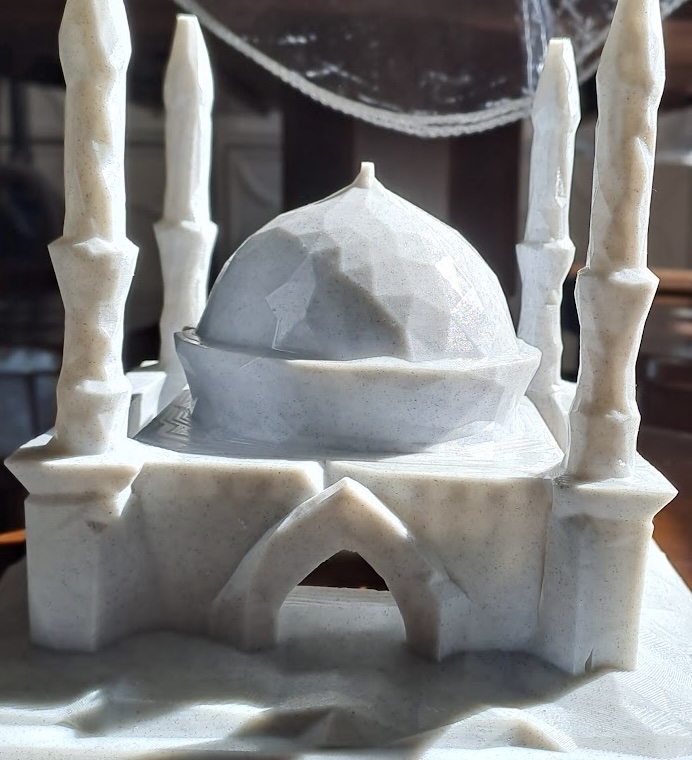
Handcrafted athan clock — an original design, built since 2019
About Athanclock
Athanclock is an original, independently designed and built prayer time device. It features a custom 3D-printed mosque enclosure, an OLED display showing the current time and prayer, a built-in speaker for the athan, and automatic WiFi connectivity for prayer time calculations & phone browser based configuration.
Today's Prayer Times
Connection Setup
You are on this page because your Athanclock needs internet and is currently offline. Follow these steps to connect:
- Keep this webpage open on your mobile phone.
- Stand next to the Athanclock with your phone.
- Go to your phone's WiFi Settings.
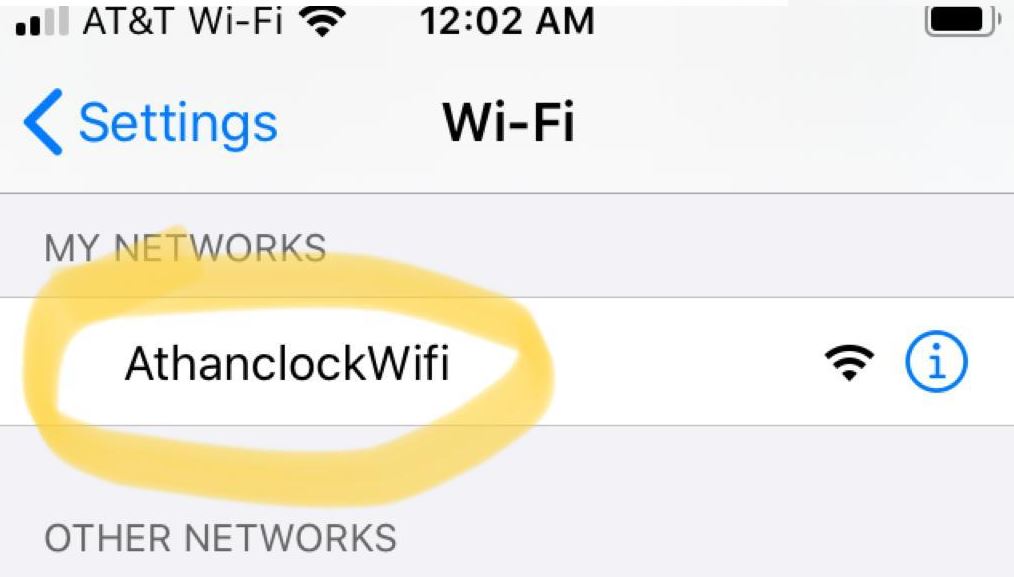
- Connect to the "AthanclockWifi" network.
- Tap the button below to choose your home WiFi and connect the Athanclock to it.
Open Athanclock WiFi Setup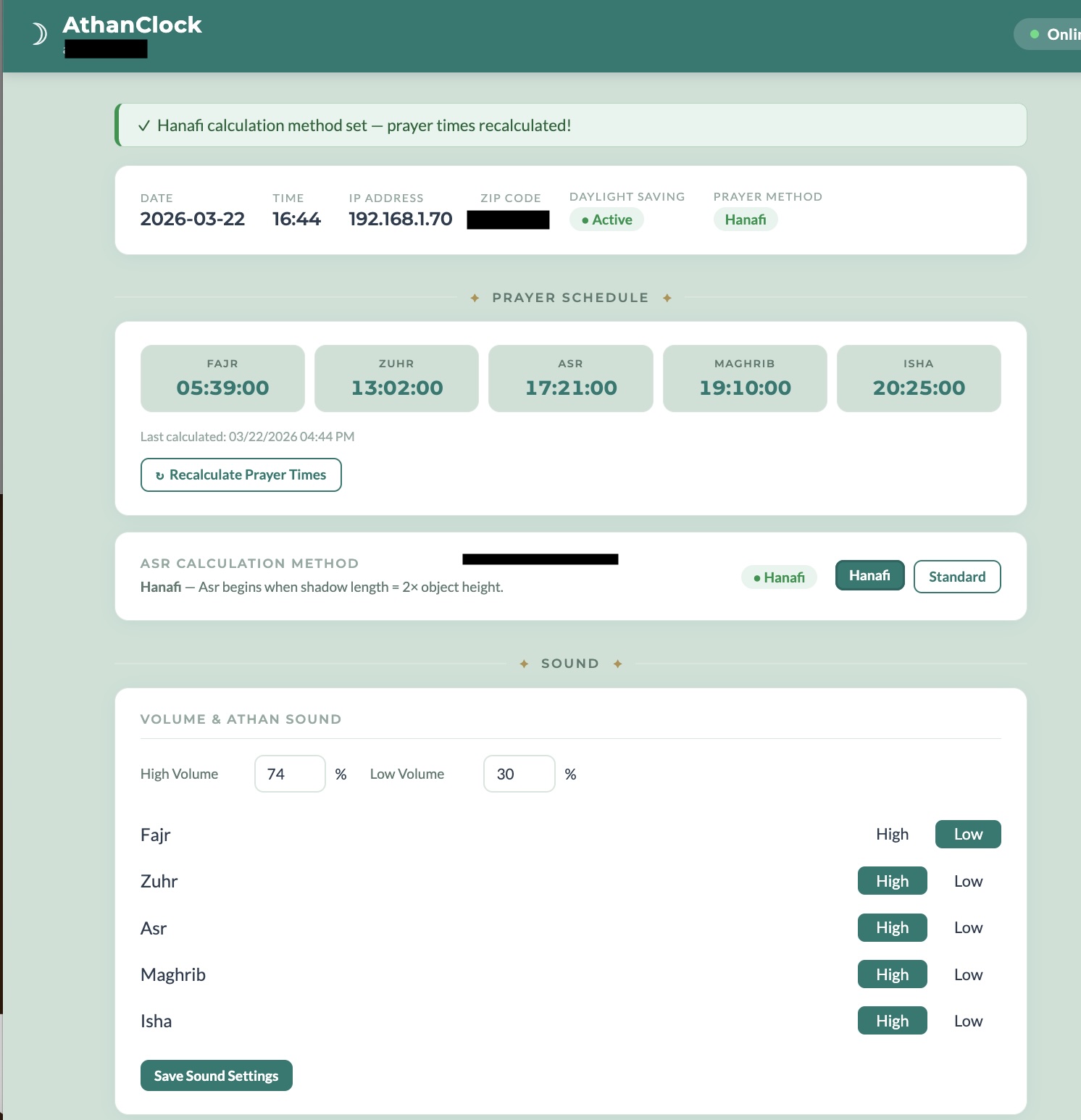
Your Athanclock will restart and begin displaying prayer times automatically.
If there is a problem connecting, the clock will automatically restart after 5 minutes in offline mode so you can try again.
সংযোগ সেটআপ
আপনি এই পৃষ্ঠায় রয়েছেন কারণ আপনার আযান ক্লকটির ইন্টারনেট প্রয়োজন এবং বর্তমানে অফলাইন রয়েছে। সেটআপের পদক্ষেপগুলি:
- এই ওয়েবপৃষ্ঠাটি আপনার মোবাইল ফোনে উন্মুক্ত রাখুন
- আপনার ফোন দিয়ে আটান ঘড়ির পাশে দাঁড়ান
- আপনার ফোন সেটিং এ যান
- WIFI "আযান ক্লক ওয়াইফাই" নেটওয়ার্কে সংযুক্ত করুন
- আপনার বাড়ির ওয়াইফাই নাম চয়ন করতে এবং এটির সাথে আটানক্লকটি সংযুক্ত করতে নীচে ক্লিক করুন।
Athanclock WiFi Setup
আপনার এথন ঘড়িটি পুনরায় চালু হবে এবং স্যালাতের সময় গণনা করবে এবং স্বয়ংক্রিয়ভাবে প্রদর্শিত হবে।
যদি ইন্টারনেটের সাথে সংযোগ স্থাপন করতে সমস্যা হয় তবে ঘড়িটি স্বয়ংক্রিয়ভাবে 5 মিনিটের পরে পুনরায় চালু হবে এবং অফলাইন মোডে ফিরে আসবে এবং আপনি আবার চেষ্টা করতে পারেন।